
ELD Malfunction: What To Do Step by Step (The 8-Day Paper Log Rule)
ELD malfunction? Notify your carrier in writing within 24 hours, rebuild 8 days of logs on paper, and learn what the 8-day rule really covers.
Read article
An ELD, short for electronic logging device, is a box tied into your truck's engine computer that keeps your hours-of-service (HOS) log for you. Think of it as the electronic stand-in for the grid drivers once filled out by hand.
Most interstate truck drivers in the US have to run one. Below you will find what it does, who can skip it, and the habits that keep your logs clean.
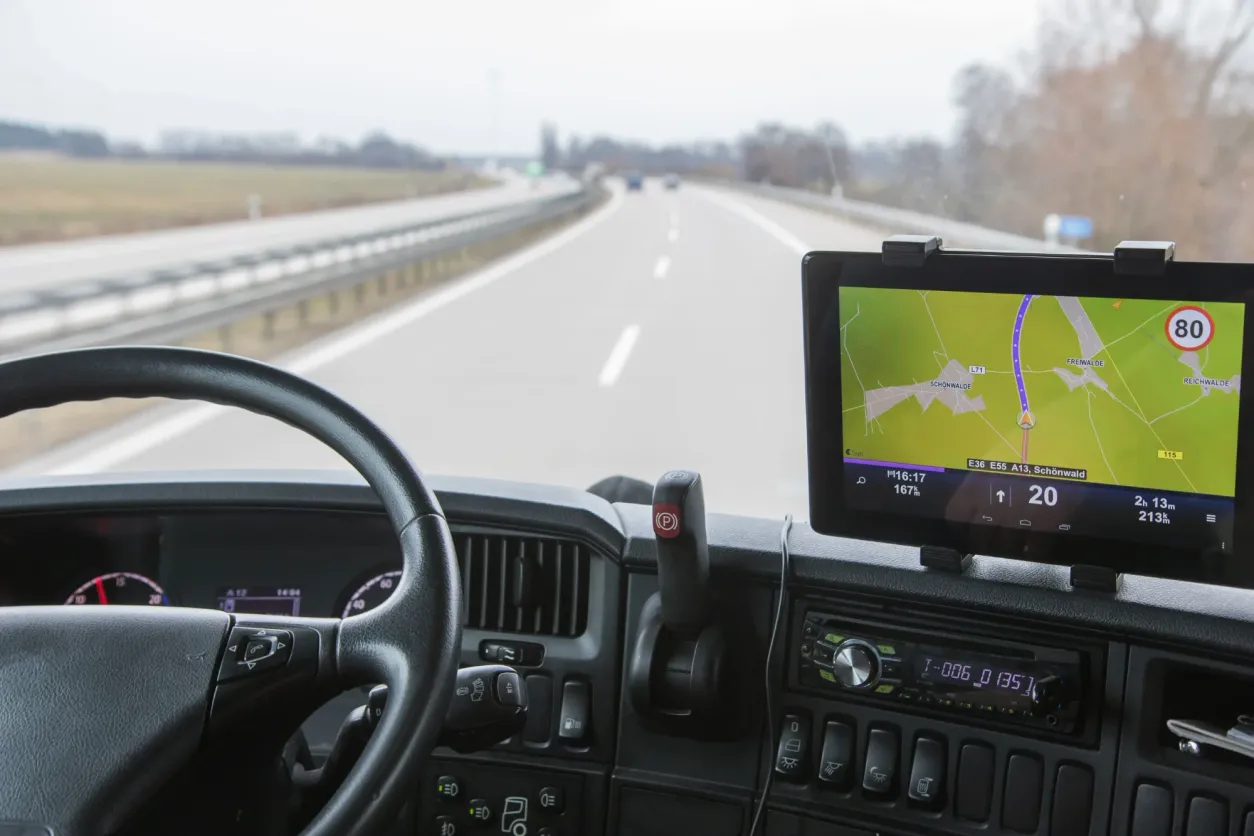
Many drivers think of the tablet on the dash. The screen is just the visible part.
The governing text is 49 CFR Part 395, Subpart B. Its core aim is one common record format that any officer can read at the roadside.
| Data | In practice |
|---|---|
| Date and time | Tied to UTC |
| Location | Roughly 1-mile accuracy on duty, roughly 10 miles in personal use |
| Engine hours and miles | Taken from the engine itself |
| Duty status | Off duty, sleeper, driving, on-duty not driving |
| Driver, truck, carrier IDs | Links each entry to one person and unit |
| Driving events | A record at least once an hour while driving |
Carriers keep records for at least 6 months. You carry the current day plus the previous 7 days.
The rule follows the logbook. If federal law makes you keep a record of duty status (RODS) under 49 CFR 395.8, the ELD requirement comes with it.
In practice that means interstate drivers of trucks rated 10,001 lbs or more, placarded hazmat loads, and many passenger operations. Owner-operators are included.
| Exemption | Who qualifies | Instead |
|---|---|---|
| 8 days in 30 | RODS needed on no more than 8 days in a rolling 30 | Paper log |
| Short-haul | Stays inside the air-mile radius and gets back in time | Time records |
| Pre-2000 vehicle | Built before model year 2000, per the VIN | Paper log |
| Driveaway-towaway | The vehicle being moved is the shipment | Paper log |
Exempt drivers still obey HOS limits. Fleet size is never a reason to skip the device.
Paper is now limited to exemptions and breakdowns. The AOBRD, an older electronic recorder, has been banned since December 16, 2019. FMCSA issued the ELD final rule in December 2015, and drivers had to comply by December 18, 2017.
The officer reads your log on the screen or from a printout. Or the unit sends a file by wireless web service or email, or by USB or Bluetooth.
Keep the transfer instructions and blank paper logs in the cab. FMCSA dropped the printed user's manual requirement in a rule published June 22, 2026. A phone or tablet display must be mounted in view while moving.
The weekly HOS and ELD audit playbook gives you a routine to catch errors early.
FMCSA can pull a device from the list. Carriers usually get 60 days to swap it.
The letters stand for electronic logging device. Drivers sometimes say e-log instead. For most commercial drivers, this device is the accepted way to keep duty-status records now that handwriting them is no longer the default.
It can, provided the app is itself a registered ELD or pairs with a registered unit. Mount the phone where you can see it while rolling, and read what data the app collects.
Start a handwritten log immediately and send your carrier a dated written notice within a day. Under 49 CFR 395.34, the carrier then has a fixed window to repair or replace the unit. Here is the full ELD malfunction step-by-step.
Not by itself. The ELD logs your hours and keeps position as one field in that record. Live vehicle tracking is a separate service, though plenty of fleets buy both because the hardware overlaps.
Your carrier can suggest corrections, but nothing sticks until you approve it, and the first version stays saved in an audit trail. Time the engine recorded as driving cannot just be erased.
Top Tracking System is a Miami company that started in 2016 and released its ELD in 2017.
The electronic logging device (ELD) builds your HOS record from engine data and keeps it stored if coverage drops, then uploads when the signal returns. Records move by web service, email, USB, or Bluetooth. Plans run month-to-month, backed by a US-based support team.
Pricing is by quote, so talk to a fleet specialist. See also what an electronic logging device does, how ELDs improve driver safety, and GPS fleet tracking.
Regulations get updated, so check the current wording on eCFR before relying on any figure here. This article is general information, not legal advice.
Want an ELD backed by someone you can actually call? Talk to a fleet specialist or explore ELD and GPS hardware.
Our experts will tailor an ELD-compliant solution that fits your unique trucking needs and boosts operational efficiency.